STEP-BY-STEP GUIDE
Follow these simple steps to pair your device and start controlling your Arduino projects wirelessly.
Step
1
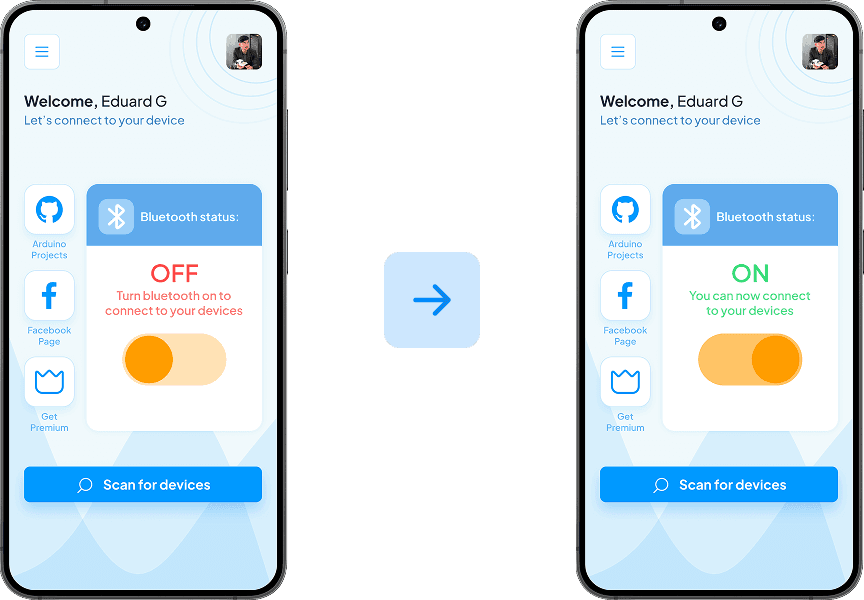
Turn Bluetooth ON
Use the built-in toggle to activate Bluetooth from the app for a quick and reliable connection.
Step
2
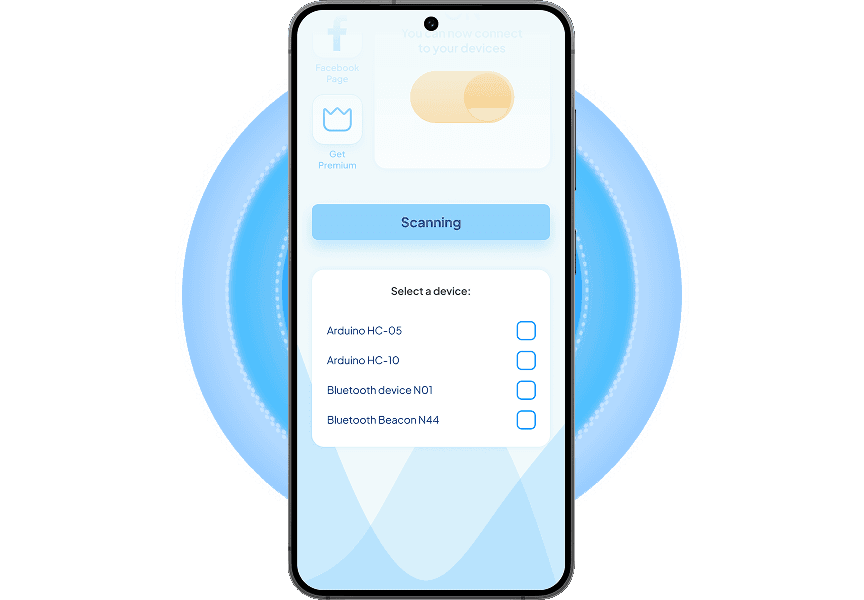
Search for modules
Tap "Scan for devices" to find nearby modules and ensure your device is set to pairing mode.
Step
3
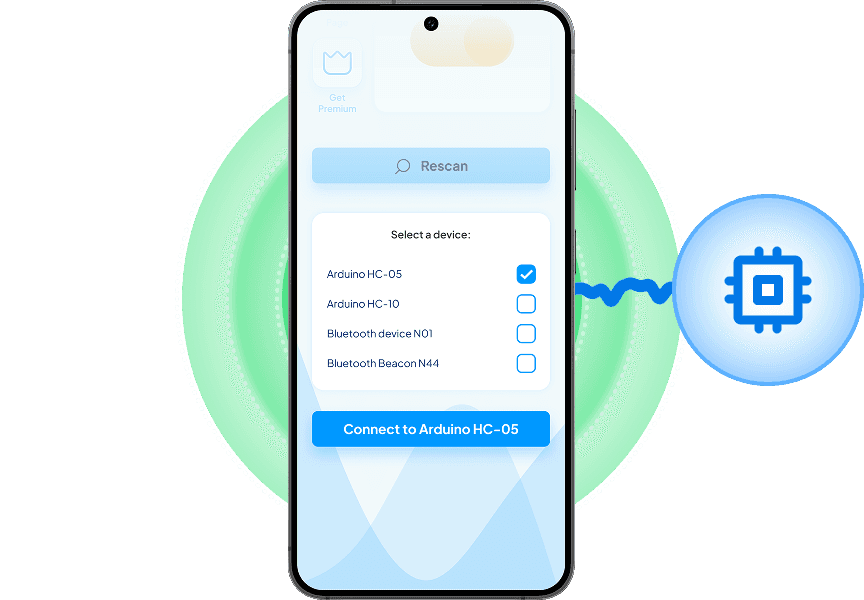
Choose your device
Once your device appears in the list, select it and press the button to connect with.
Step
4
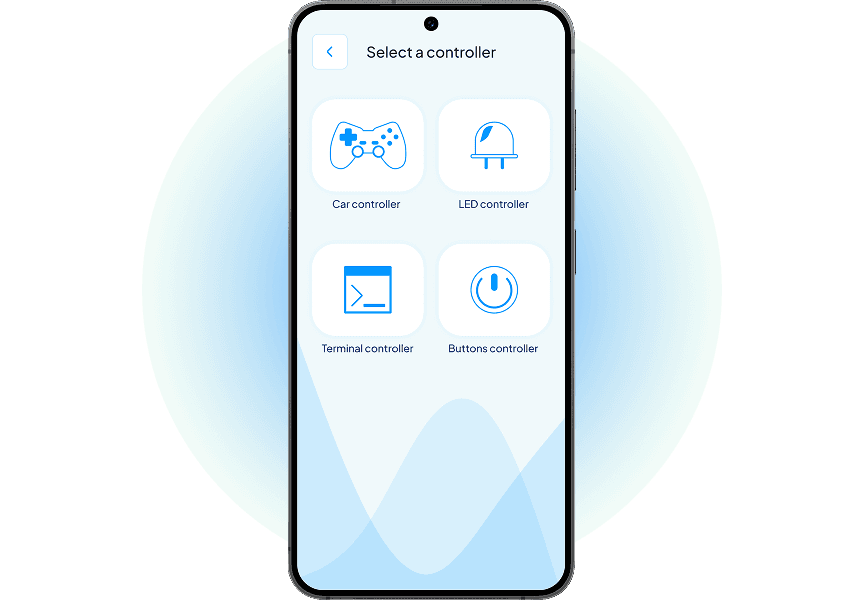
Set project controls
Pick the controller that fits your project. Each sends commands in a different unique way.
Step
5
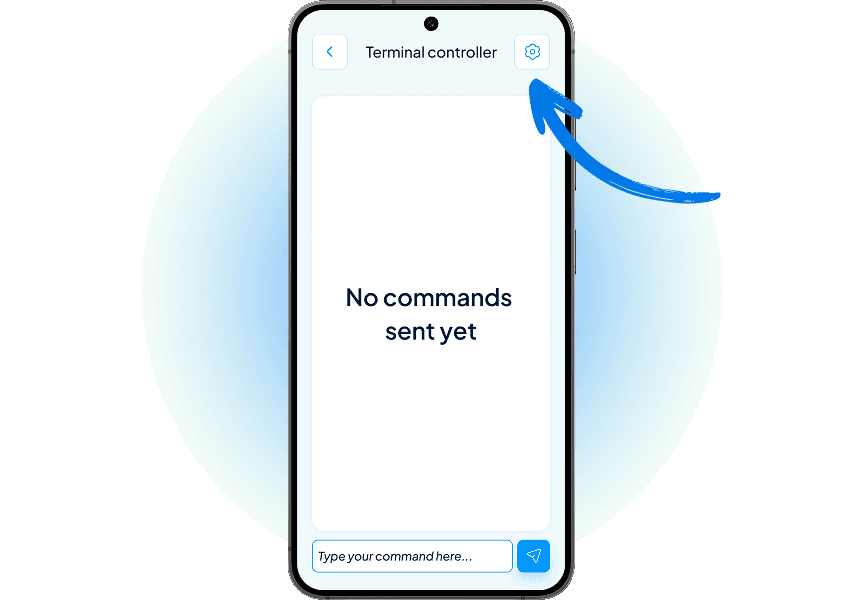
Edit the commands
Once you’ve selected a controller, tap the cog icon to set up your own custom commands.
Step
6
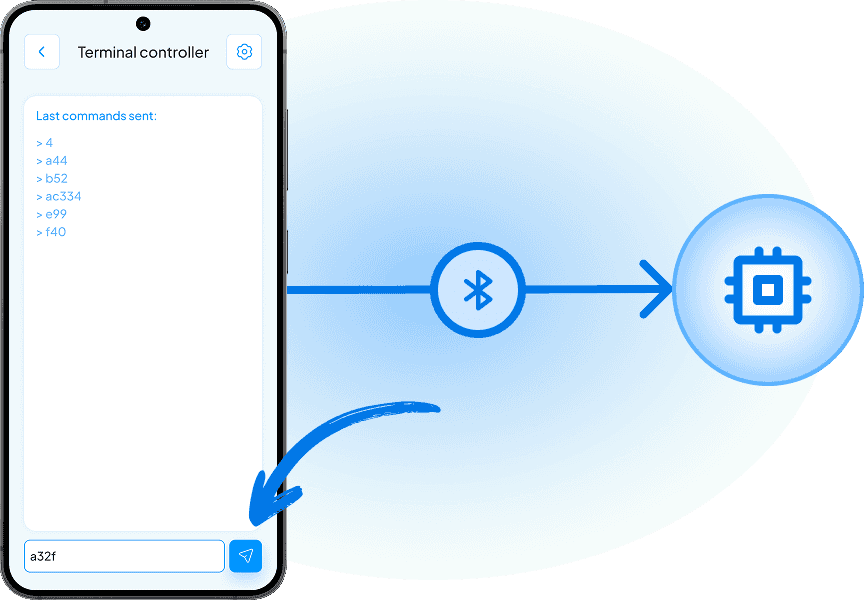
Control your device
Use your selected controller to send real time commands to your device via Bluetooth.
SUPPORT
Frequently Asked Questions
Quick solutions to common questions about connecting, controlling, and customizing with Bluetooino.
1. Which Bluetooth modules are supported?
It works with popular modules like HC-05, HC-06, HM-10, and more.
3. Do I need to be an expert to use the app?
5. Can I use multiple controllers at once?
7. What's the range of Bluetooth control?
2. Can I customize the commands?
4. What should I do if my device disconnects?
6. Does Bluetooino work with all Arduino boards?
8. Do I need to be an expert to use the app?